
Content, on schedule.
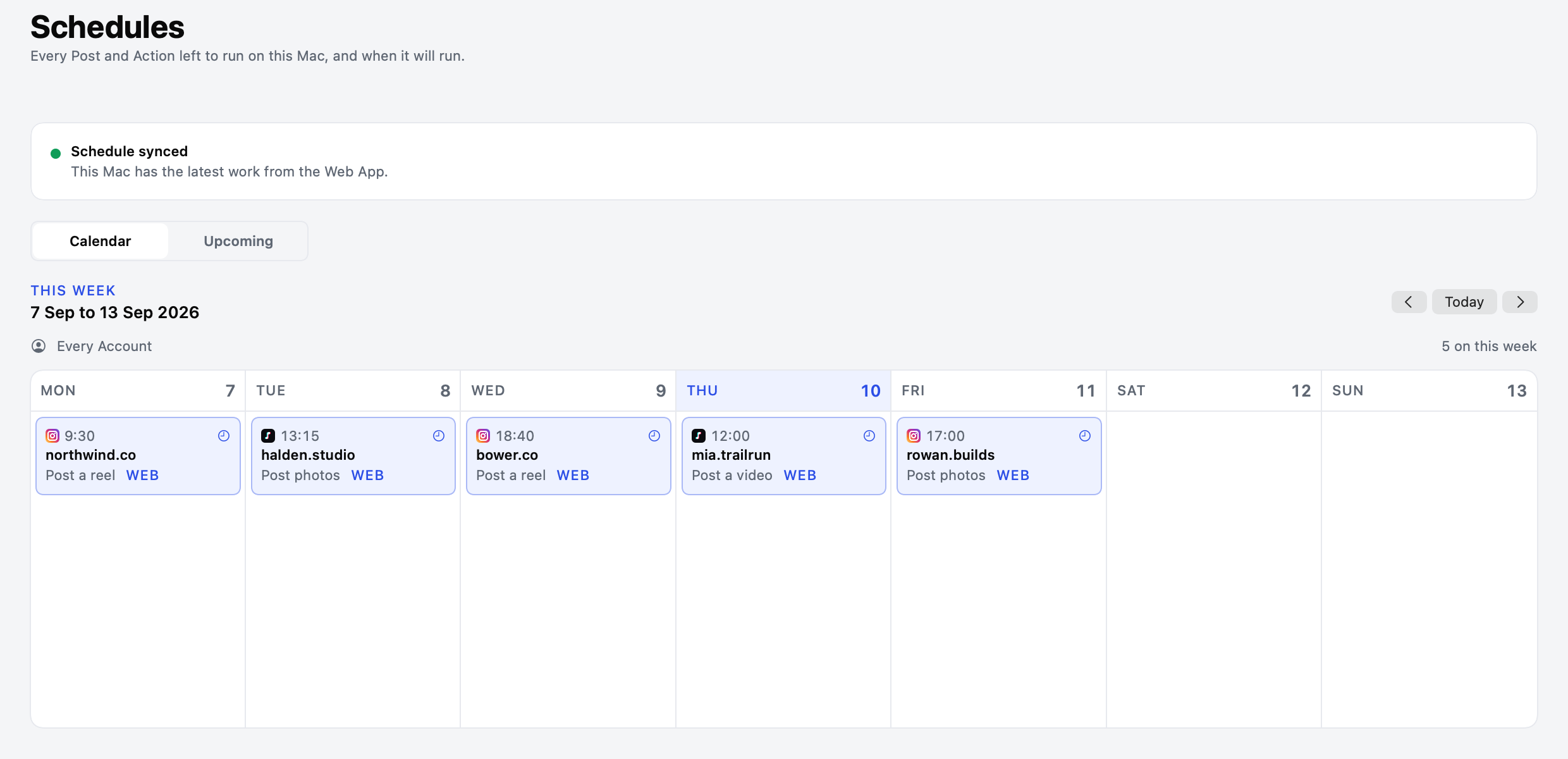
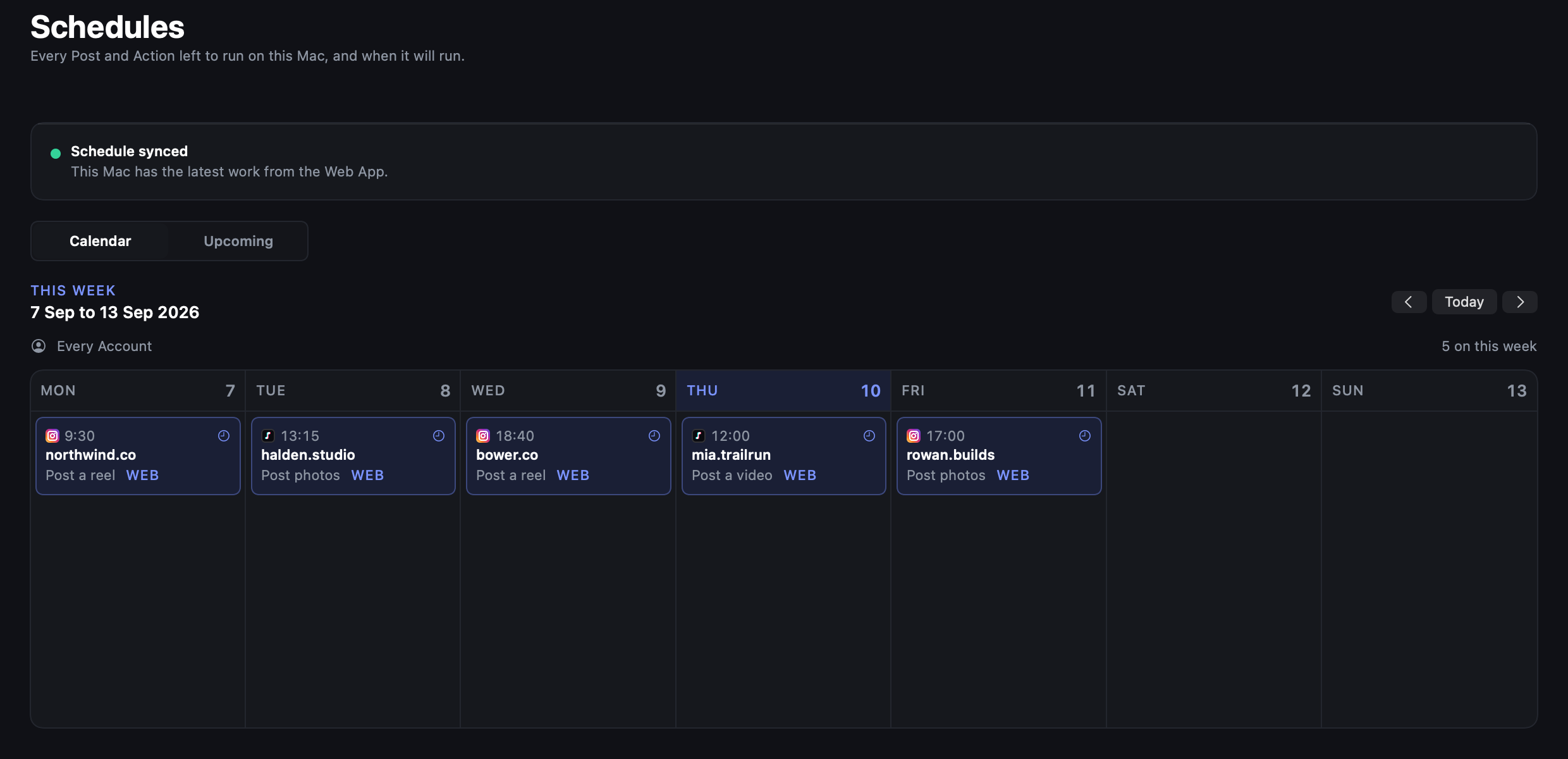
Plan Posts across Instagram and TikTok in one calendar.
Schedule content. Warm up accounts.
Run it all on your own iPhones.
Plan Posts across Instagram and TikTok in one calendar.
Set Warmup once. Let your Mac handle the daily routine.
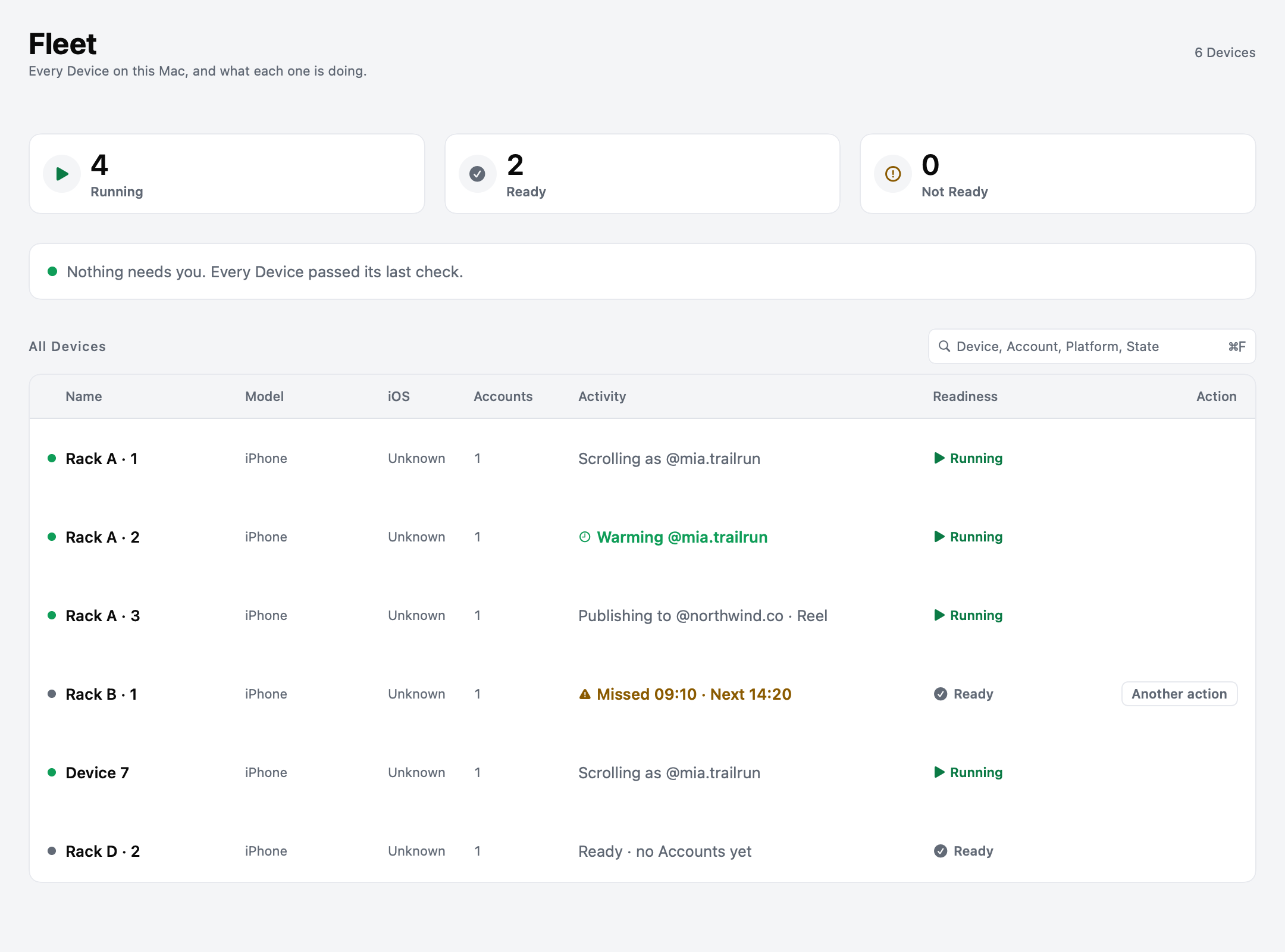
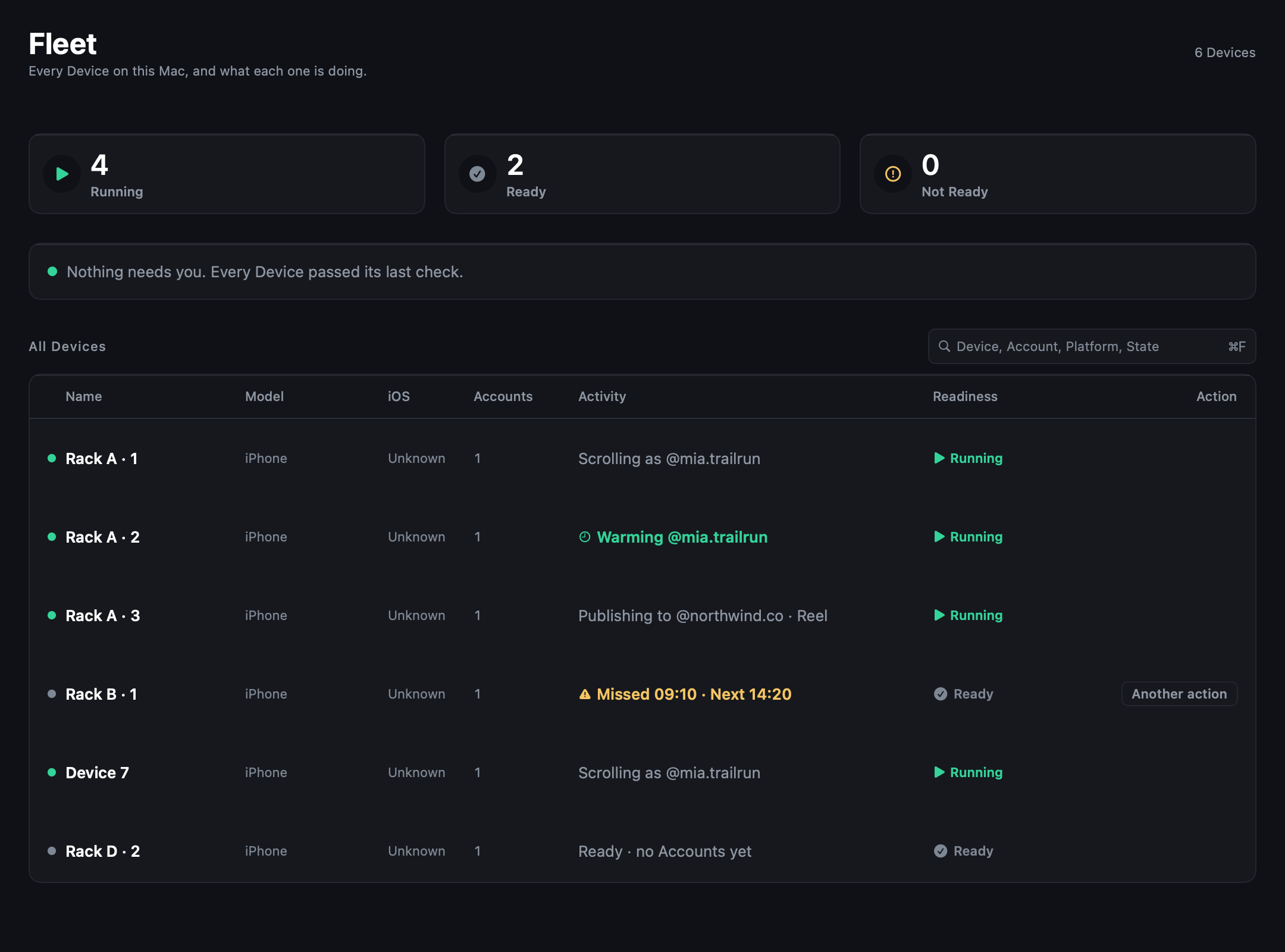
Know what ran, what stopped, and why.
Choose the capacity and tools for your Fleet.
Save about 12% with yearly billing.
Solo
For one focused setup.
$40/ month
Billed monthly
Recommended
Rack
For a growing Fleet.
$80/ month
Billed monthly
Studio
For a multi-Mac operation.
$150/ month
Billed monthly
Agency
For Client operations.
$299/ month
Billed monthly
7-day first-purchase guarantee. See terms
Need more? Talk to us on Discord
Schedule Instagram and TikTok content, set up Warmup, and keep an eye on your Devices. One Workspace brings the work together.
An Apple silicon Mac, dedicated iPhones, USB data cables, and Xcode for Device preparation. Our quickstart walks you through the setup.See the setup guide
Yes. Keep multiple Instagram and TikTok Accounts organized across your Devices. Your plan sets the Device and Account allowances.
Yes. Manage your Fleet and Accounts in the Web App. Studio and Agency also include direct Device control with your mouse and keyboard. Automation stays on your Mac, so keep it awake and your Devices connected.
Yes. Sign in to Instagram and TikTok directly on your Devices. tame never asks for or stores Platform passwords, tokens, or session secrets.
Every plan includes the core features. Choose by your Device and Account capacity, then compare Mac and storage allowances. Choose Studio or Agency for remote control.Compare the plans
Automation is subject to Platform rules. Read the terms