Scheduling Posts
You do not schedule a Post at a time. You schedule it inside a Posting Window, and tame picks the moment.
Why a window#
A Post at 09:00:00 every day is a machine. You give a window; tame chooses one irregular instant inside it, never the start, the middle or a round minute, and finely enough that two Posts in one window are very unlikely to collide.
Creating one#
- Choose the content from the Library. It has to be an upload that finished.
- Choose the Account, which decides the Client and therefore the Device.
- Set the window. The end has to be after the start, which tame says in those words, and the window is at least 15 minutes long so the Mac has time to start the Post.
- Write the caption and review the selected Action's inputs. Instagram photo Posts offer music by track name. TikTok track selection and exact music-volume control are not supported.
Recurring Actions#
A Posting Window schedules one Post. Action Schedules are the recurring form: an Account, a Device, the days and the local times.
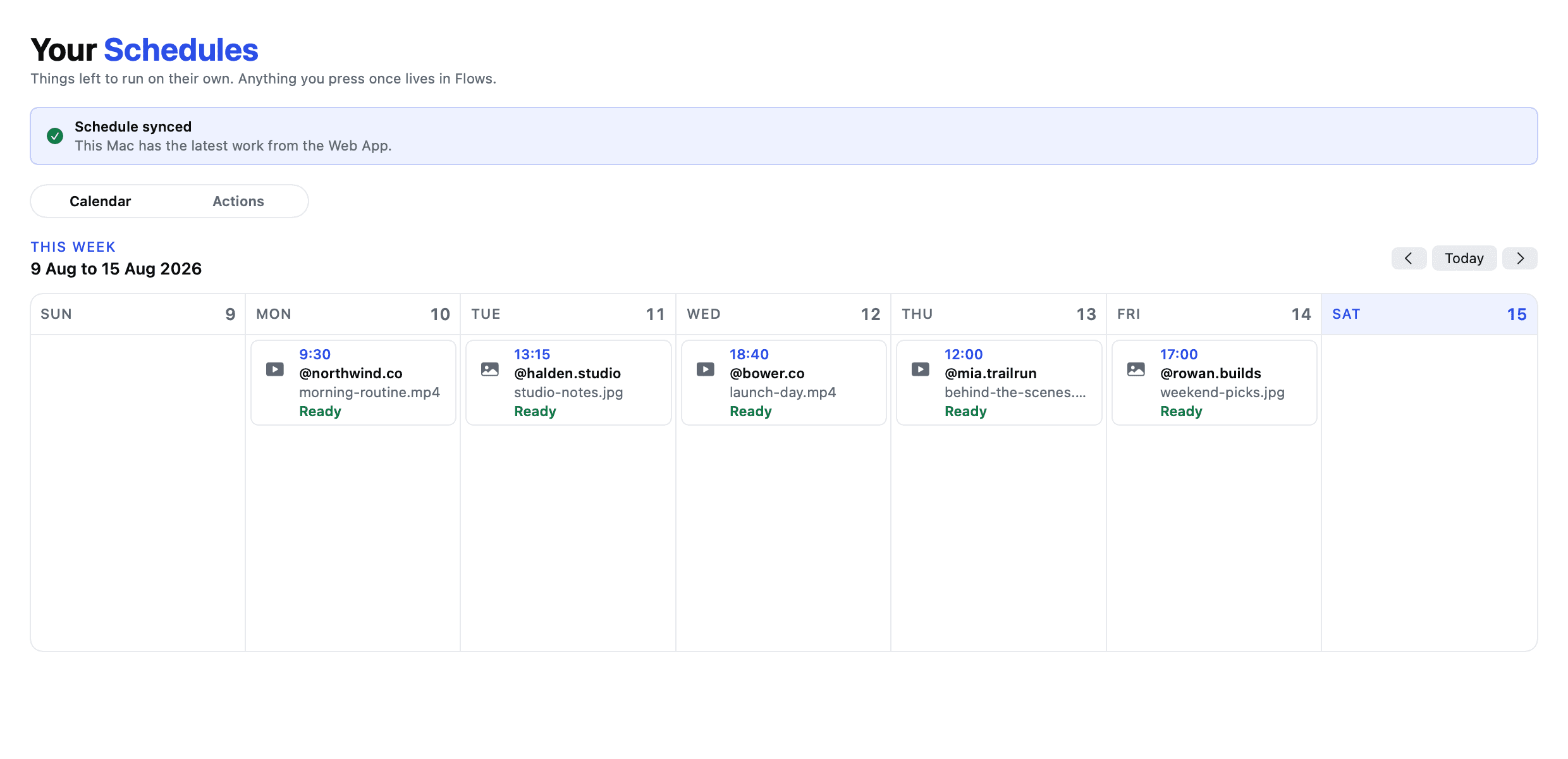
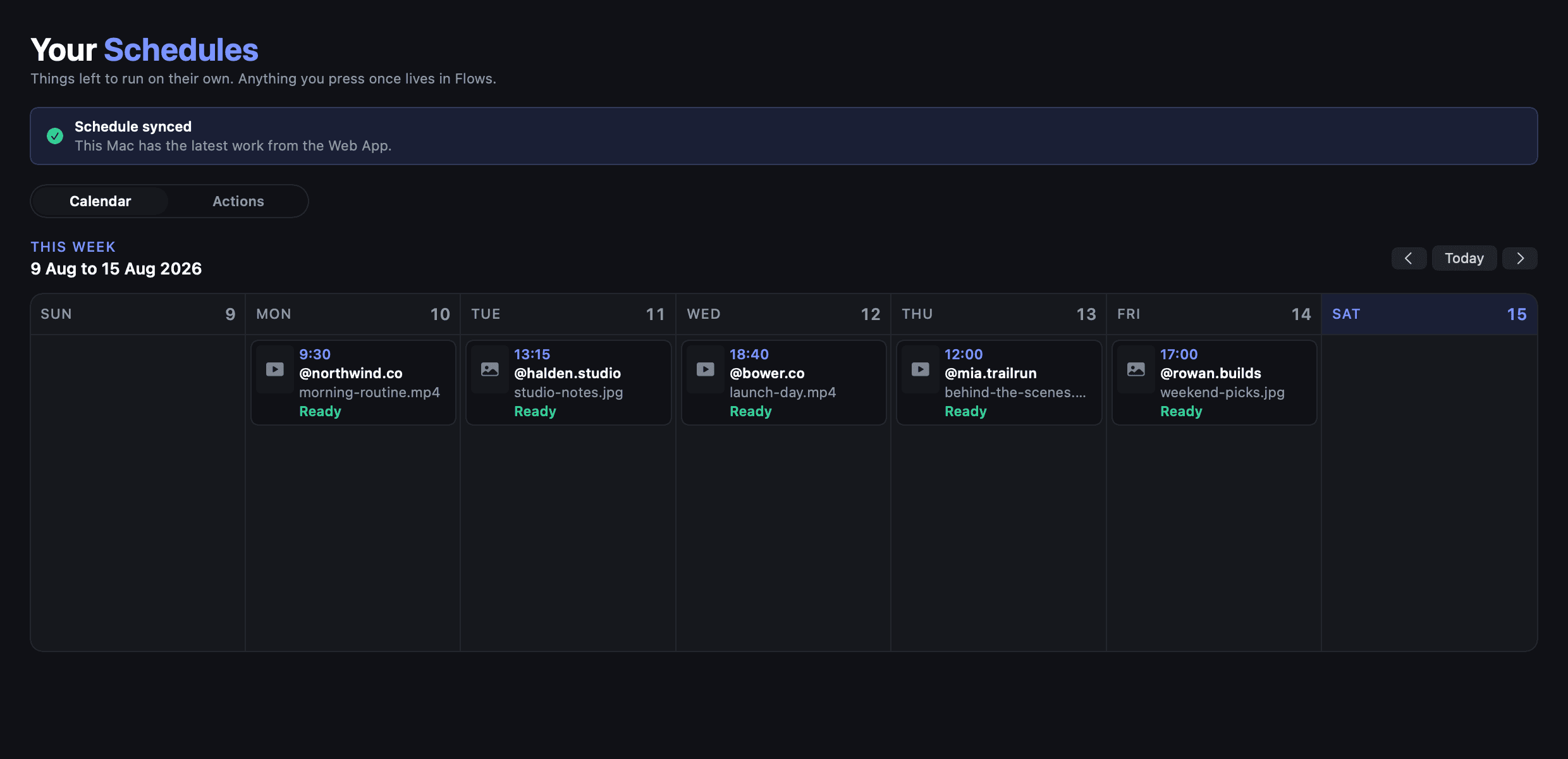
A phone can only do one thing at a time, and finding that out at 2am is worse than finding it out when you set it.
What happens around a Post#
Not a bare upload. It sits inside a Session that looks like a visit: warmup before and after, the app opened and eventually put down. An Account that opens the app, posts and vanishes is legible from the session length alone. See What warmup is.
Cancelling#
A queued Post can be cancelled from the browser. One already started finishes the action it is on rather than being interrupted partway through a caption.
Ordered carousels and MCP#
Send every slide id in schedule_post.contentItemIds, in the order it should
appear. Use list_actions to discover the Action id, media limit and inputs.
Instagram photo carousels support 2–10 slides; TikTok supports 2–9.
Configure short niche-focused pre/post visits under Warmup → Edit Account
settings → Sessions & end date, or with save_account_warmup_session.
See Automate with MCP for the complete workflow and results.