Activate your Mac
One short code, carried from the browser to the Mac. It is how a Mac learns which Workspace it belongs to and what that Workspace is allowed.
The code#
Open the download page, or Plan and billing. The code is there once your plan is active.
| Valid for | 48 hours |
| Uses | One, on one Mac |
| Reissued | When it expires, or your plan changes |
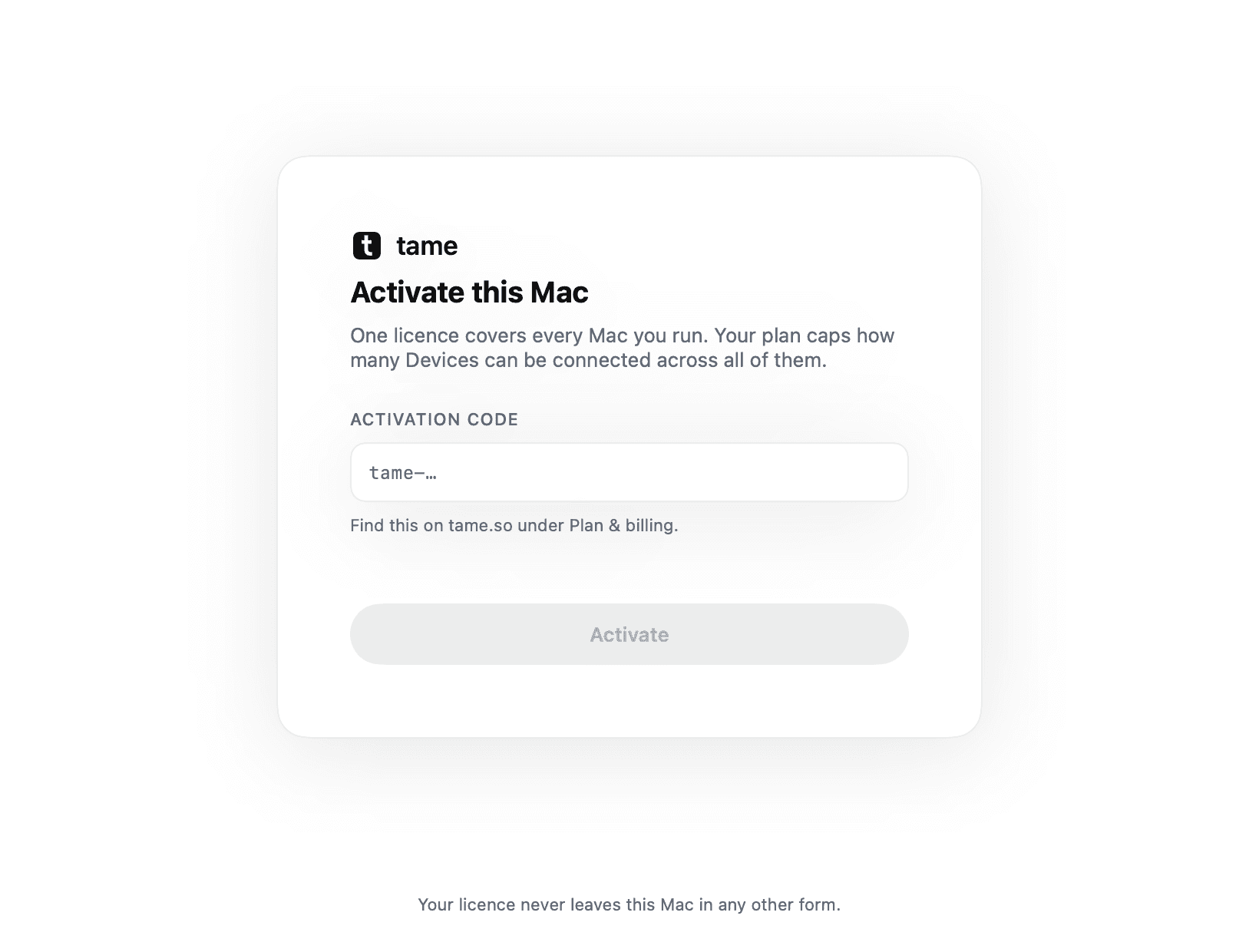
It stays the same each time you look, until it expires or your plan changes. A credential that changes every time you open the page teaches you not to trust the one you copied.
After activation#
Your Mac receives a License Key for your Workspace and plan allowances. It checks that key locally, without contacting the licensing service for every check.
One key, several Macs#
Up to the number your plan allows, each holding a lease rather than a permanent claim, so a dead or replaced Mac frees its slot on expiry instead of through a support ticket. See License Key rules.
Activate in under a minute
Create a Workspace and the code is on your download page immediately.