Device States
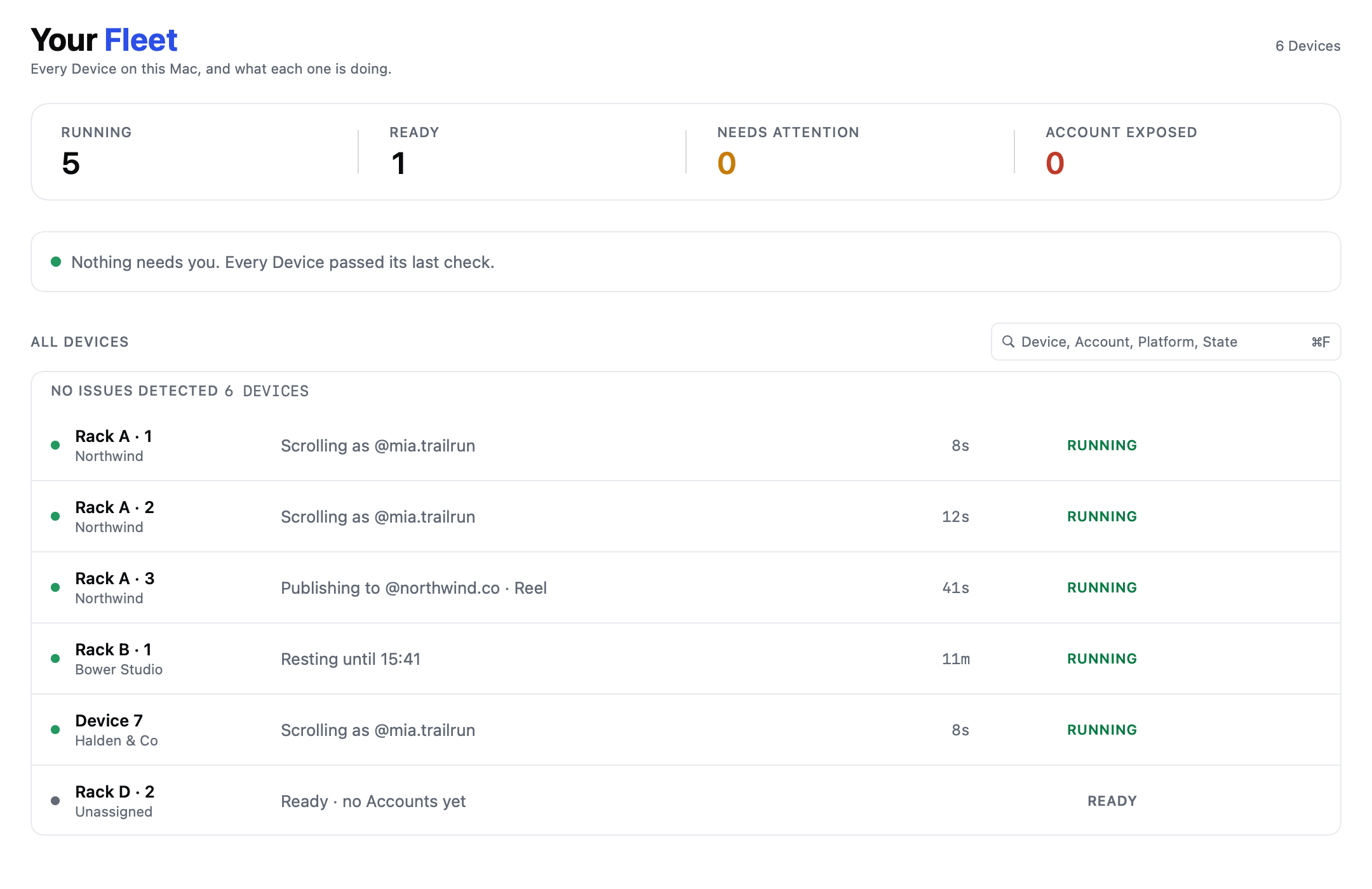
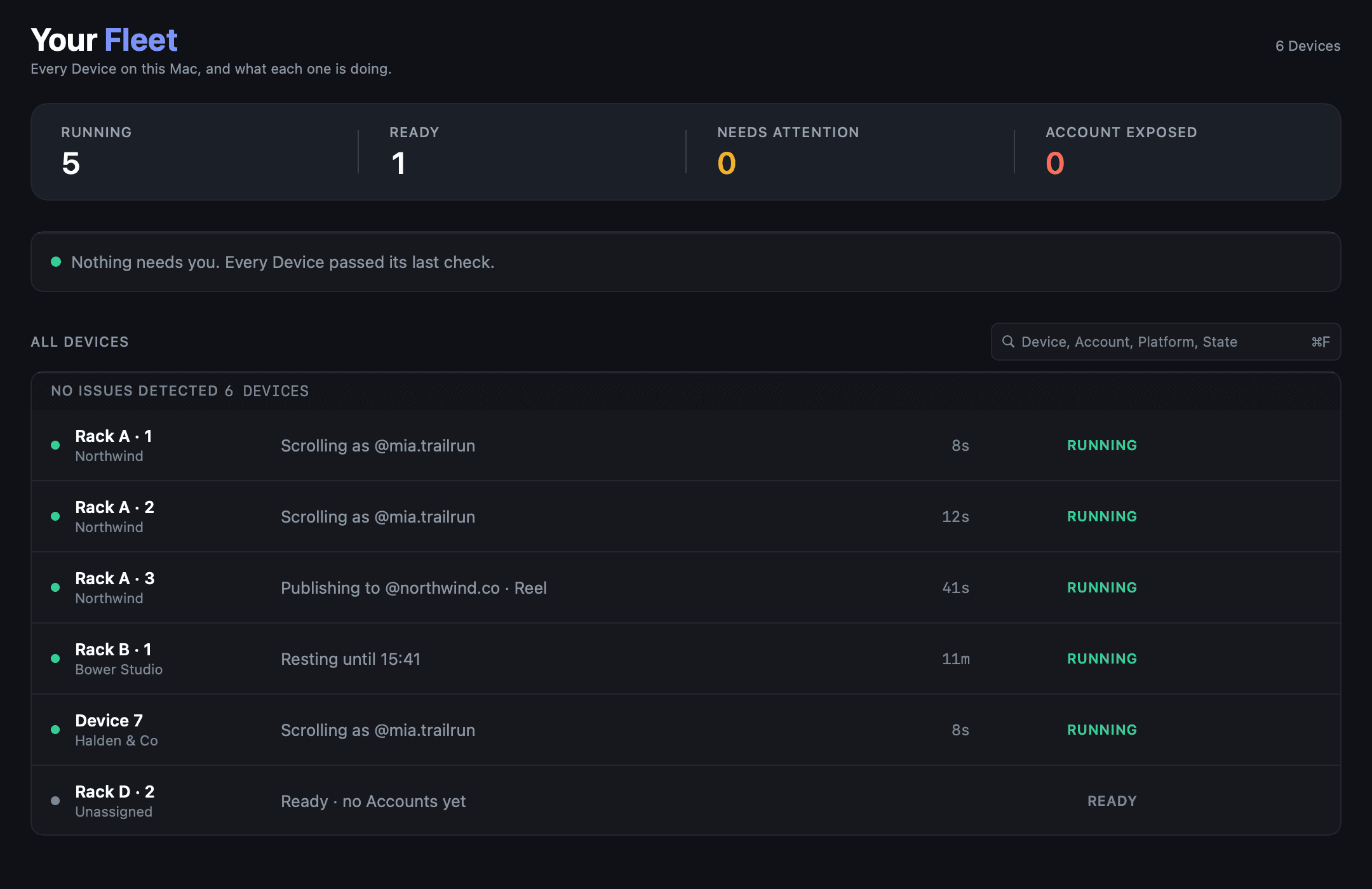
A Device is always in exactly one of six states. There are no others and no half state between them.
| State | What it means |
|---|---|
| Disconnected | Not attached, or not responding. Usually the cable |
| Provisioning | tame is preparing it: signing, installing, checking |
| Ready | Verified responsive, available for work |
| Running | Working right now |
| Needs attention | Something is wrong and it cannot continue alone |
| Paused | You stopped it. It will not pick up work until you say so |
When a Device is Ready#
tame checks that a Device responds before showing Ready. If its condition cannot be confirmed, it shows Needs attention so you know to check it.
Needs attention#
The state you act on. tame stopped rather than continuing into something it could not do safely, and the Device carries a plain language cause. Fixes are in Troubleshooting.
Check the affected Device#
When one Device stops, check its cause and follow the suggested fix. Other Devices can continue their work; you do not need to stop the whole Fleet.