Preflight
Device Preflight lists thirteen checks. Six tame can answer from the Device. Seven it names and cannot answer, and says so rather than passing them quietly.
Instagram and TikTok are not required for Device setup or Ready status. tame does not check whether either app is installed during setup. It can install the automation runtime and get a Device ready with neither app present.
What tame can read#
| Check | What it means |
|---|---|
| Connected over USB | Attached and responding |
| Trusts this Mac | You tapped Trust, and the pairing holds |
| iOS version supported | On a version tame drives |
| No passcode set | The phone cannot lock mid Session |
| Developer Mode on | Required from iOS 16 |
| Automation runtime installed | Present on the phone |
What it cannot#
iOS does not expose these, so they stay unknown: appearance, brightness, StandBy, Auto-Lock, Reduce Motion, iCloud Photos and Enable UI Automation.
All seven are on the settings checklist, which is exactly why that page is a checklist.
Why unknown rather than a pass#
Seven checks could each have been reported green. The Device would have looked perfect, and then a phone in dark mode would fail to recognise a liked post, or one with StandBy on would show a clock to every look while reporting healthy. Both are hours to find from the Mac and seconds from the checklist.
tame names an unknown check when its characteristic failure happens. A Session that keeps finding nothing on screen is where Enable UI Automation gets raised.
Ready is never optimistic#
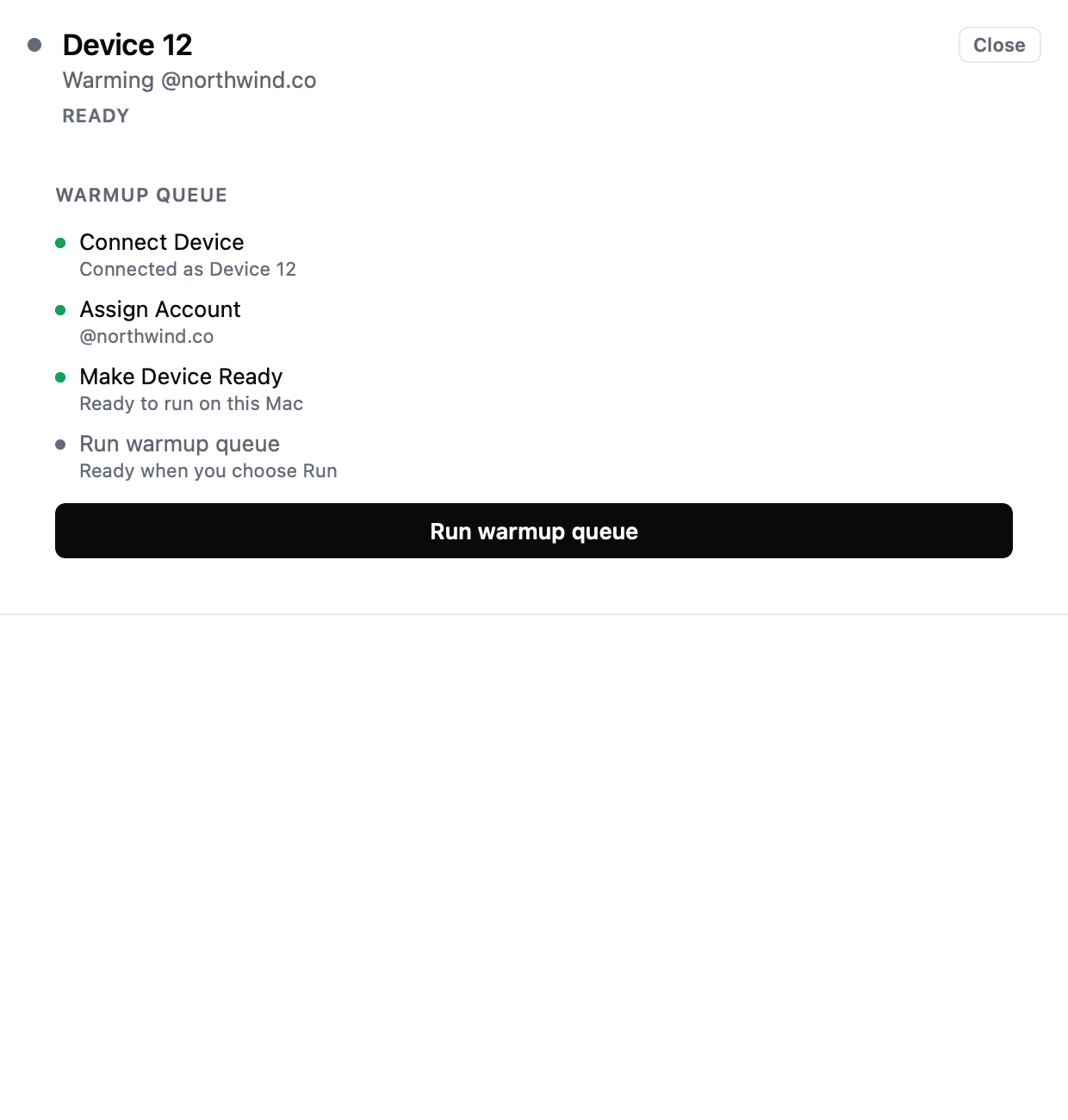
A Device does not read Ready until the runtime has been verified responsive, and one whose state cannot be reconfirmed becomes Needs attention.